Microphones
HyperX QuadCast 2 S review: the streamer mic with a knob that does everything
The original QuadCast was the mic you saw in every second Twitch stream. The 2 S adds higher recording resolution, a multifunction knob, a detachable shock mount and over a hundred addressable LEDs. I have been recording a fortnightly podcast on it for most of this year. Some of the new stuff is useful. Some of it is lighting.

8/10
A very good USB mic for streaming and podcasts. If you do not want RGB, the plain QuadCast 2 saves money.
Why people buy a QuadCast
It is a USB mic that plugs into a PC or Mac and works. Mine was recognised by the Mac with no drivers and I was recording inside a minute. The shock mount comes attached so desk thumps do not end up in the recording, and the tap-to-mute sensor on top is the feature everyone copies: touch it, the light goes off, you are muted, no clicking noise. I use it every time I cough.
Four polar patterns cover the realistic use cases. Cardioid for one person talking, omnidirectional for a room, bidirectional for an interview across a desk, stereo for instruments. I set it to cardioid the first day and have switched to bidirectional exactly once, for a guest sat opposite me.
The knob and the resolution
The multifunction knob is the practical upgrade. One dial handles gain, headphone volume, monitor mix and polar pattern, so I am not hunting through software mid-recording. The LED meter shows levels on the mic itself, which has saved a lot of "can you hear me?"
HyperX is pushing the recording resolution as the headline. Higher resolution gives you more headroom if you shout or lean in, and I have rescued a couple of clipped laughs in the edit because of it. It will not make a bad room sound good. My spare room with a rug and a bookcase sounds better on this mic than my kitchen does, and that matters more than the number.
Lighting and mounting
The S in the name means the lighting. Over a hundred LEDs, fully customisable in NGENUITY, and it does look good on camera. I am not on camera, so mine is set to a dim static colour and the money spent on it is money spent on decoration. The plain QuadCast 2 exists for that reason.
The shock mount now comes off with spring-loaded pins, and the joint takes both 3/8 and 5/8 inch threads. Mine went straight onto a boom arm without an adapter, which is a fix for a common complaint about the original.
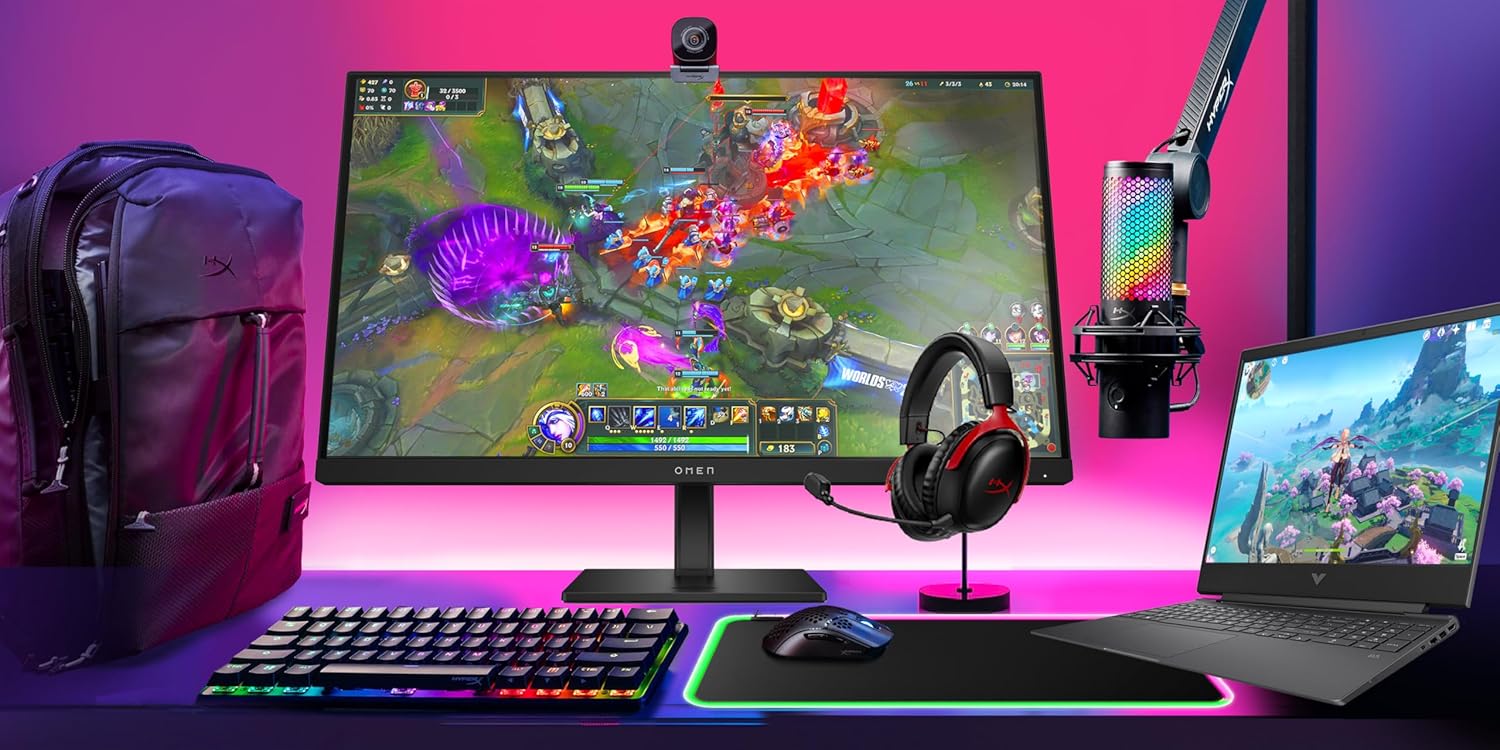
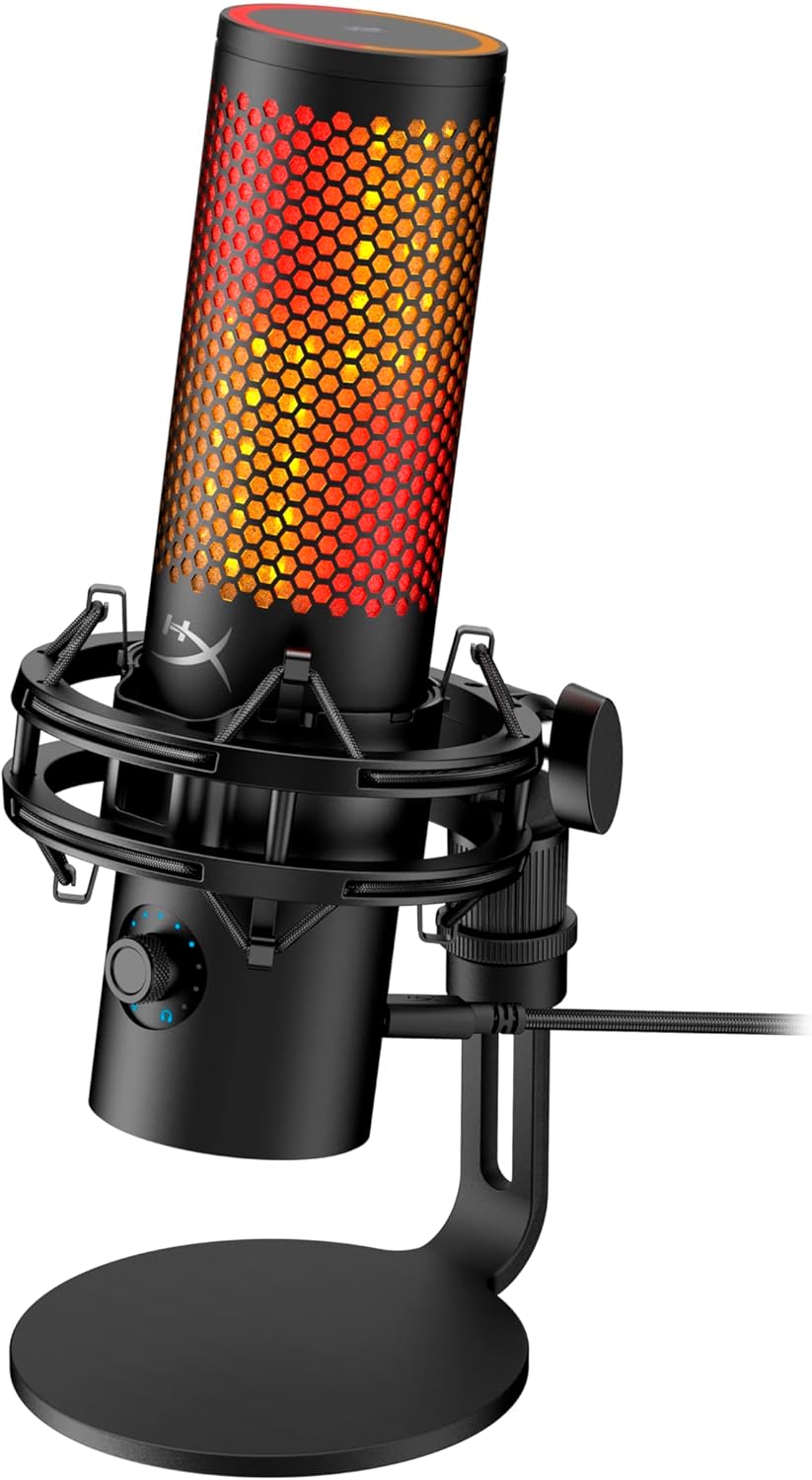
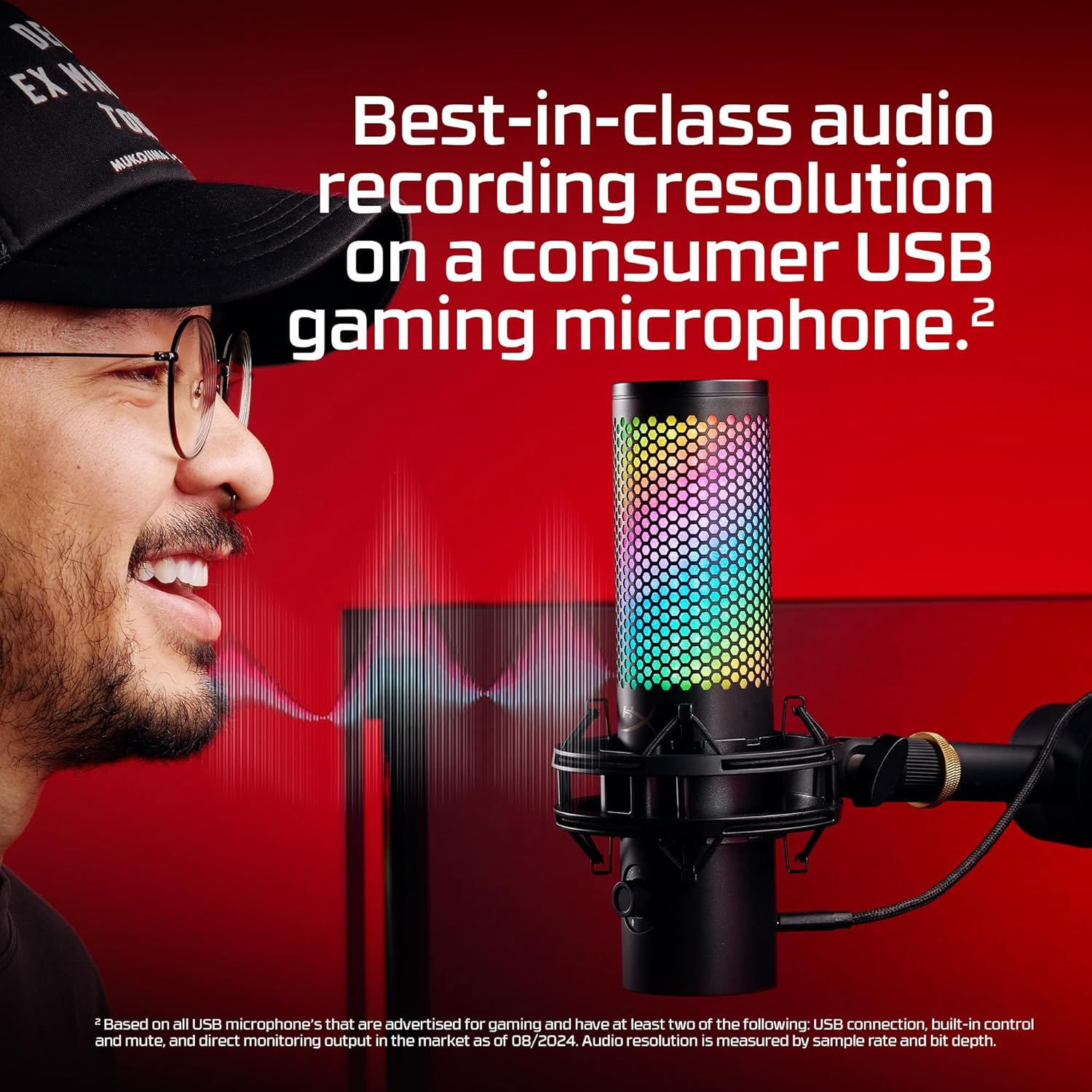
Images from the Amazon listing.
Good
- Tap-to-mute and on-mic level meter
- Single knob for gain, volume, mix and pattern
- Detachable shock mount fits standard boom arms
- Four patterns, USB-C, PC and Mac
Not so good
- You are paying for RGB you may not need
- USB only, no XLR upgrade path
- Heavy enough to need a decent arm
Should you buy it?
Buy it if you stream or podcast and want a mic that looks the part and does not need a separate interface.
Skip it if you are audio-only. The non-S QuadCast 2 has the same mic without the light show.